
A hospital runs on information. Patient records, doctor schedules, drug inventory, billing, lab results, bed occupancy — all of it needs to be accurate, accessible, and secure at all times.
Without a proper system, critical information gets lost, staff waste hours on paperwork, and patients receive slower care. With the right system, everything flows.
Core Modules of a Hospital Management System
A complete hospital management system should cover these departments:
Patient Management
- Registration and profile creation
- Outpatient and inpatient records
- Visit history and clinical notes
- Patient search and recall
Consultation & Clinical
- Doctor appointment scheduling
- Consultation notes and diagnosis
- Prescription management
- Referral tracking
Finance & Billing
- Invoice generation per consultation, procedure, or admission
- Payment processing and receipts
- Insurance claim management
- Revenue reports and financial summaries
Pharmacy
- Drug inventory management
- Dispensing records linked to prescriptions
- Stock alerts and reorder notifications
- Expired drug tracking
Laboratory
- Test request and result entry
- Result delivery to doctors and patients
- Lab report generation
Inpatient / Ward Management
- Bed allocation and occupancy tracking
- Admission, discharge, and transfer records
- Nursing notes
Human Resource
- Staff profiles and roles
- Attendance and leave management
- Payroll integration
What a Real Deployment Looks Like
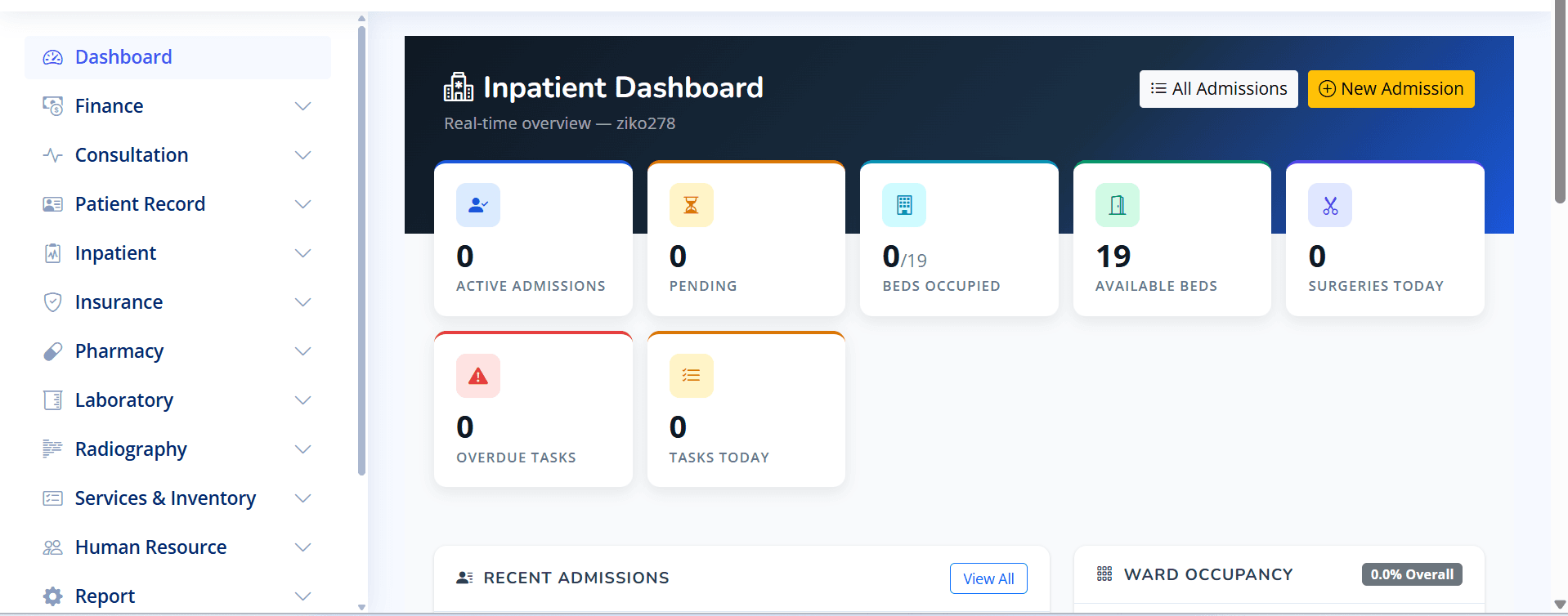
MediMax360 deployed at ECMC — showing the inpatient dashboard with real-time bed occupancy, admissions, and task tracking.
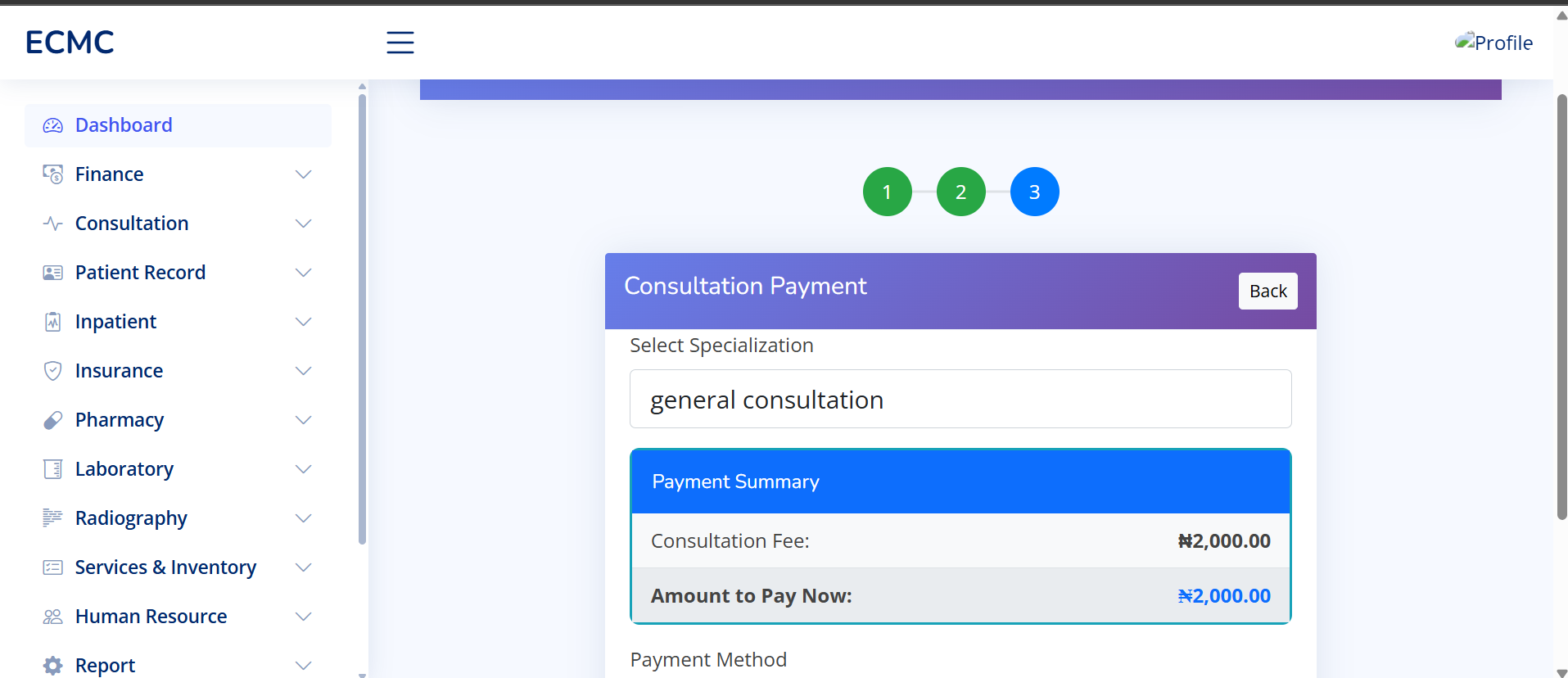
This is not a demo. This is a live hospital running on MediMax360. The system handles patient records, consultation, pharmacy, lab, finance, and HR — all in one platform built specifically for Nigerian hospitals.
What Separates Good Systems From Bad Ones
| Factor | Poor System | Good System |
|---|---|---|
| Speed | Slow, especially with many users | Fast at all times |
| Offline capability | Crashes without internet | Works offline, syncs later |
| Data security | Minimal protection | Role-based access, encryption |
| Local support | None or email only | Phone/WhatsApp support available |
| Training provided | Documentation only | Hands-on staff training |
| Customization | Fixed modules only | Adaptable to your workflows |
Common Mistakes Hospitals Make When Choosing Software
1. Buying on Price Alone
The cheapest system often costs the most in the long run — through downtime, data loss, poor support, and staff frustration.
2. Not Involving Clinical Staff
IT staff choose the system, clinical staff hate using it. Always involve the people who will use it daily.
3. Ignoring Data Migration
What happens to your existing patient records? A good vendor has a clear plan for migrating historical data.
4. No Staff Training Plan
Software is only as good as the people using it. Budget for proper training — not just a one-day demo.
The Nigerian Healthcare Context
Hospital software built for Western healthcare systems often assumes infrastructure that doesn't exist in Nigeria — stable electricity, constant internet, standardized insurance systems.
A system built for the Nigerian context handles intermittent power and internet, cash-based payment systems alongside insurance, NHIS integration where applicable, and local drug naming conventions.
The Bottom Line
A hospital management system is not optional — it's infrastructure. The question is not whether to have one, but which one fits your hospital's size, budget, and workflow.
Take your time. Request a demo. Run it in one department first. The right system will prove itself quickly.
Also read: Why Nigerian Businesses Need Custom Software